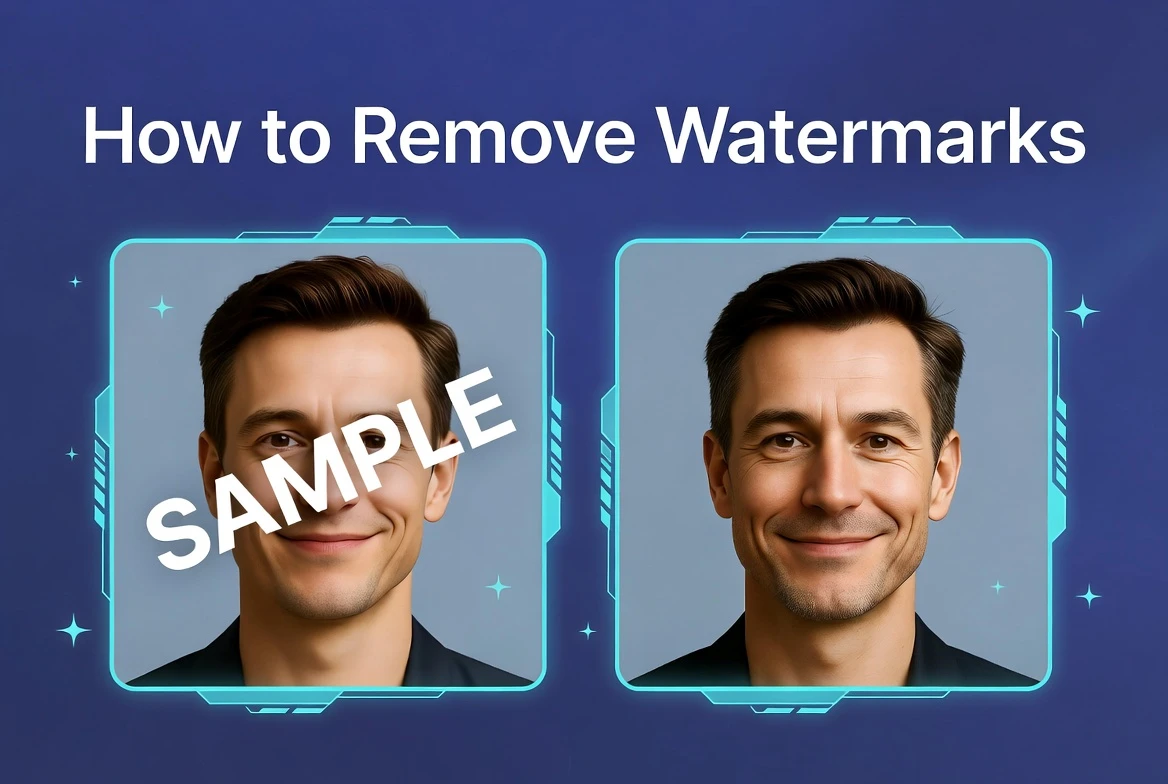
Getting rid of a watermark on an image used to mean hours in Photoshop or paying for software you’d barely use. Today, AI tools do it automatically in seconds — and they produce cleaner results than most manual editing. If you need to get rid of watermark on image quickly and for free, this guide walks you through exactly how to do it and what to expect.
Why Watermarks Are Harder to Remove Than They Look
A watermark isn’t just a layer sitting on top of your image — it’s pixels that are mixed with the background beneath it. When you remove it, you’re not just erasing something; you’re reconstructing what was hidden underneath. This is why simple tools like blur or the eraser tool produce terrible results — they don’t reconstruct anything, they just cover the problem.
The challenge gets harder depending on what’s behind the watermark: a plain white background is easy to reconstruct, while a detailed natural scene or a product with fine texture is significantly more complex. This is exactly why AI-based reconstruction consistently outperforms every other approach.
If you’re interested in how AI tools are changing digital editing, you can explore more guides on modern image and content technologies.
Three Ways to Get Rid of Watermarks — and Why AI Wins
| Method | How It Works | Result | Time |
| Blur / paint over | Covers watermark with solid color or blur | Obvious — looks worse than the watermark | 1 min |
| Crop the image | Removes the area containing the watermark | Loses part of the image permanently | 1 min |
| Clone stamp (Photoshop) | Copies nearby pixels over the watermark | Patchy on complex backgrounds | 10–30 min |
| AI inpainting | Reconstructs background from full image context | Natural — seamless result | Seconds |
Step-by-Step: How to Get Rid of a Watermark Online
- Step 1: Go to Phototune.ai and open the watermark remover. Upload your image — drag and drop or click to browse your files. JPG, PNG, and WEBP formats up to 10MB are supported.
- Step 2: The AI automatically scans the image and identifies the watermark. This works for all common types: diagonal text, corner logos, date stamps, tiled patterns, and platform branding. No manual selection needed.
- Step 3: Review the result in the preview. On plain or moderately complex backgrounds, the result is typically indistinguishable from a watermark-free original. On highly detailed backgrounds like foliage, fabric, or skin, use the manual brush for precise touch-ups.
- Step 4: Download the clean image at full resolution. No compression is applied — the output matches the original file size and quality.
Getting Rid of Different Watermark Types
| Watermark Type | Difficulty | Best Approach |
| Corner logo on plain background | Easy | Automatic — instant clean result |
| Diagonal text overlay | Medium | Automatic — AI handles text pixels well |
| Full-screen tiled pattern | Medium | Automatic — AI detects repeating structure |
| Semi-transparent overlay | Medium-Hard | Automatic + manual brush if needed |
| Logo on detailed background (skin, fabric) | Hard | Manual brush + automatic processing |
| Burned-in / deeply embedded mark | Hard | Manual brush with multiple passes |
Common Mistakes When Removing Watermarks
Using the wrong tool for the job is the most common mistake. Many people try blurring the watermark area — this is always worse than the original because it creates an obvious blurry patch. If you’re going to remove a watermark, use a tool that actually reconstructs the background.
Skipping the preview check is another common mistake. Always zoom into the area where the watermark was before downloading. Most AI tools produce clean results, but complex backgrounds sometimes need a quick manual brush pass to look perfect.
Using a low-resolution version of the image is a third mistake. Higher resolution gives the AI more pixel data to work with, resulting in better reconstruction — especially on detailed backgrounds. Always use the highest resolution version you have. Phototune.ai makes it straightforward to erase watermark from photo free — no sign-up, no software, no payment required. Upload your image, let the AI do the reconstruction, and download a clean result in under a minute. The tool works on any device directly in the browser.