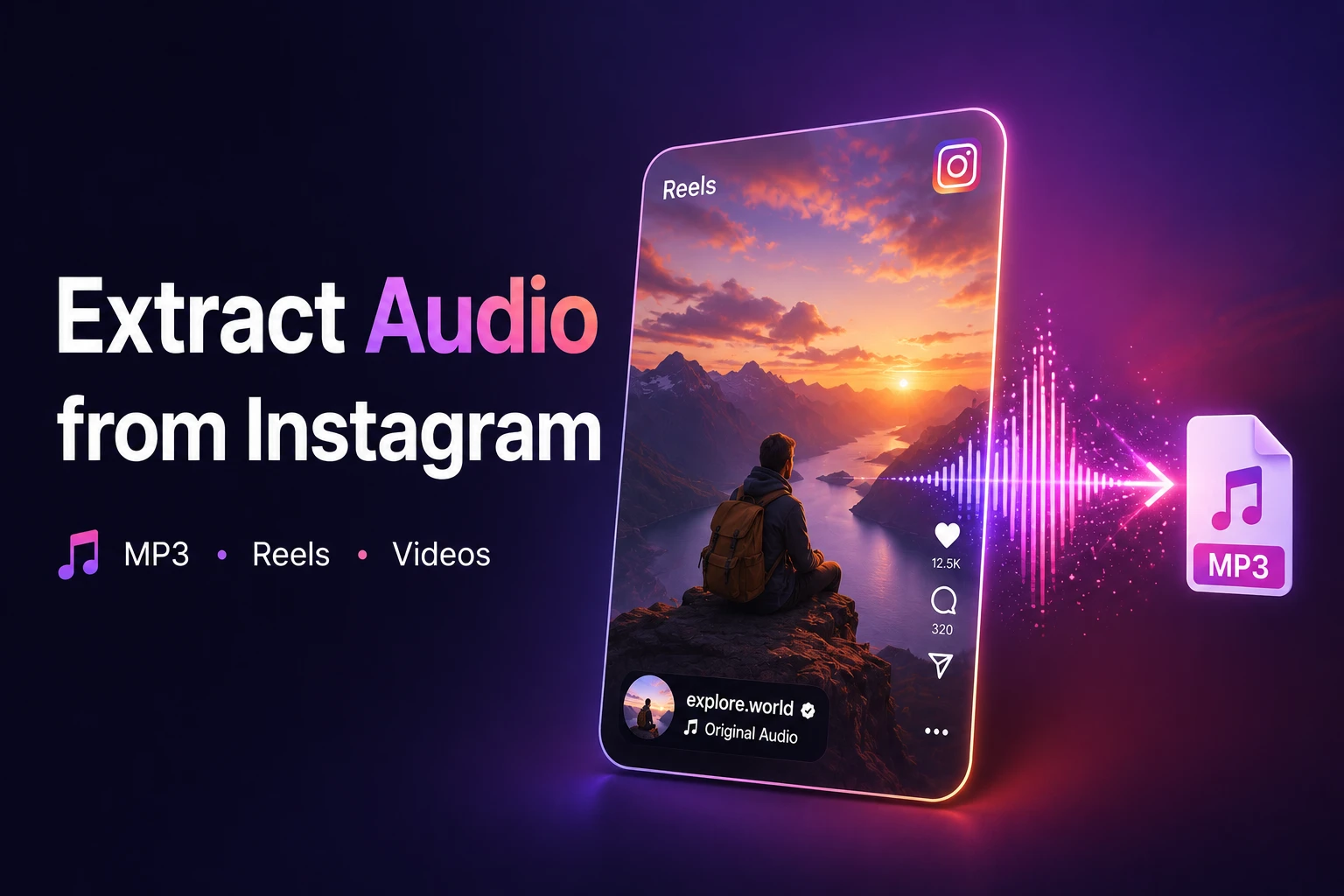
Sometimes you don’t need the video — just the sound. A piece of music you haven’t heard anywhere else, a voiceover you want to keep, a podcast episode buried in IGTV that you’d rather listen to on a walk.
Instagram doesn’t offer a way to extract audio from Instagram natively — but a free online tool does exactly that in seconds. No installation, no account, works from any device.
What Types of Instagram Content Can You Extract Audio From?
The tool works with any public video content on Instagram:
| Content type | Format | What you can extract |
| Reels | MP4 (vertical) | Music, voiceovers, sound effects |
| Feed videos | MP4 | Interviews, tutorials, background music |
| IGTV | MP4 | Long-form audio, podcast-style content |
| Stories in Highlights | MP4 | Audio saved permanently on a profile |
Private account content is not accessible — this is Instagram’s own platform restriction.
If you regularly use Stories for engagement, you may also want to learn how to find tags on Instagram Story to track mentions and improve visibility.
How to Extract Audio from Instagram — Step by Step
Open reelsvideo.io in any browser. Free, no sign-up required.
- Open Instagram and find the Reel or video you want to extract audio from.
- Tap the three dots (••• on iPhone, ⋮ on Android) on the post.
- Select Copy link.
- Go to reelsvideo.io/download-instagram-mp3 in your browser.
- Paste the link and tap Download.
- The tool pulls the audio track from the video and delivers it as an MP3 file to your device.
On Android
Chrome downloads the MP3 directly to your Downloads folder. Most music apps detect it automatically. If you don’t see it, open your file manager and check the Downloads folder manually.
Security note: the tool only needs the post URL. If a site asks for your Instagram login credentials to extract audio, close it — that’s a scam
On iPhone
Safari occasionally tries to play the audio in the browser instead of saving the file. Here’s the fix:
- Copy the Instagram post link.
- Open Safari and navigate to reelsvideo.io/download-instagram-mp3.
- Paste the link and tap Download.
- If audio plays in the browser — tap and hold the player, choose Download Linked File.
- The MP3 lands in Files → Downloads. Tap Share → Copy to Music to add it to Apple Music.
On PC or Mac
- Open Instagram in your browser and navigate to the post.
- Click the three dots and select the Copy link.
- Open reelsvideo.io/download-instagram-mp3 in a new tab.
- Paste the link and click Download.
- The MP3 saves to your Downloads folder — ready for import into Audacity, Logic Pro, Premiere, or any other tool you use.
What Happens During Extraction?
The tool retrieves the original video file from Instagram’s servers and separates the audio track from the video track. The audio is then delivered as an MP3 file. No additional compression is applied — what you receive is the best quality version that Instagram stores on its servers.
Typical quality is 128–256 kbps depending on what the creator originally uploaded. That’s more than adequate for listening, content creation, or use as reference material in a project.
What Can You Do With the Extracted Audio?
Once you have the MP3 file, the use cases are broad:
- Offline listening — play it anywhere without an internet connection
- Content creation — import into CapCut, Premiere, DaVinci Resolve, or GarageBand
- Music discovery — save a track before it disappears or becomes unavailable
- Ringtone or notification — set it directly from your phone’s sound settings
- Podcast archiving — keep an IGTV episode you want to revisit
A Note on Using Extracted Audio
Extracting audio for personal use — listening offline, keeping a copy, using as a reference — is straightforward and causes no issues. If you plan to use the audio in content you publish:
Original creator sounds: generally more flexible, but good practice to credit the creator.
Commercial music: protected by copyright. Publishing it on YouTube or TikTok without a license will likely trigger a copyright claim.
Commercial projects: always require proper licensing regardless of the source.
Frequently Asked Questions
Can I extract just the music without the voice?
Not with this tool alone — it extracts the full mixed audio track as it exists in the video. To separate music from voice you’d need a stem separation tool like Moises or Adobe Podcast after the download.
Does the creator get notified when I extract their audio?
No. Instagram doesn’t send notifications for downloads or extractions performed through external tools.
Is there a limit on extractions?
No limits. Extract audio from as many Instagram videos as you need, free of charge.
Audio Without the Video, in One Step
Copy the link, paste it into reelsvideo.io/download-instagram-mp3, and tap Download. The download instagram sound mp3 process takes seconds — the MP3 lands on your device ready to use, with no app, no account, and no extra steps.