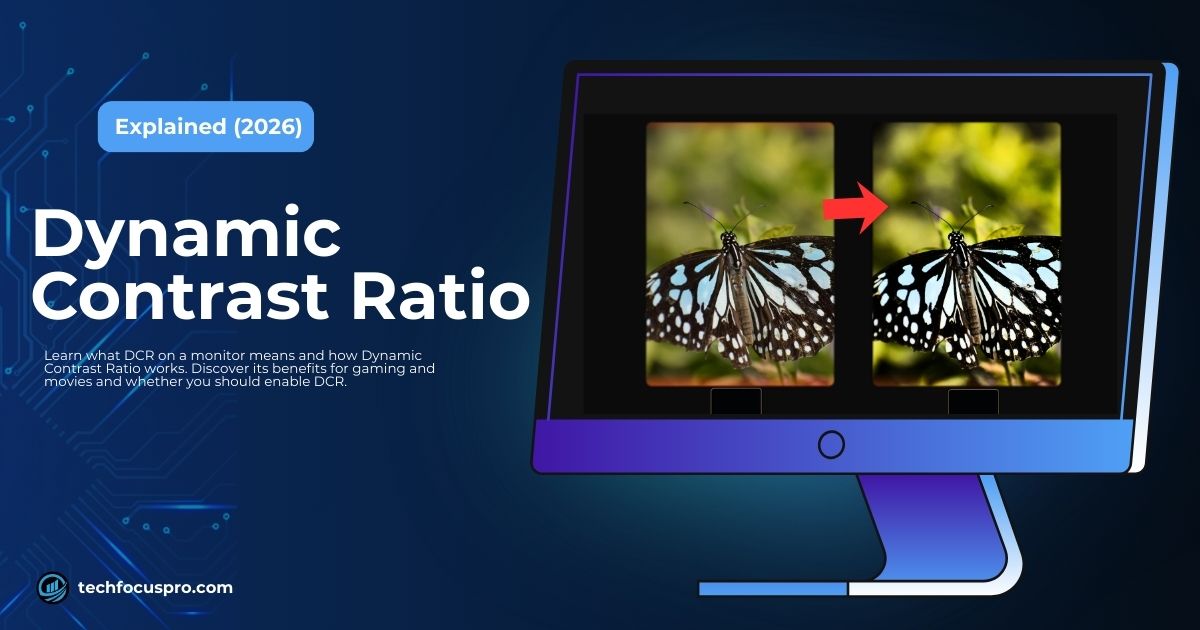
Modern monitors come with many display settings that affect how images look on the screen. One of the most important factors is the contrast ratio, which controls the difference between bright whites and deep blacks. A good contrast level makes pictures look clearer and more detailed.
This is where DCR (Dynamic Contrast Ratio) comes in. It automatically adjusts the monitor’s brightness depending on what is shown on the screen. Dark scenes become deeper and bright scenes appear more vivid without you changing the settings manually.
Many people notice the DCR option in their monitor menu or see it listed in monitor specifications when shopping for a new display. That’s why they search to understand what it means and whether it actually improves the viewing experience.
What is DCR on a monitor?
DCR stands for Dynamic Contrast Ratio. It is a feature that helps a monitor improve the difference between bright and dark areas on the screen.
When DCR is turned on the monitor adjusts its brightness automatically. If the scene on the screen is dark the monitor lowers the brightness so blacks look deeper. When the scene is bright it increases brightness so whites look clearer.
This automatic adjustment helps images look more vivid and easier to see. Many monitors include DCR because it can improve the viewing experience when watching movies or playing games.
You may also see very high numbers in monitor specs like 1,000,000:1 dynamic contrast ratio. These numbers show the maximum contrast the monitor can reach when DCR is active.
How Dynamic Contrast Ratio Works
Dynamic Contrast Ratio works by adjusting the monitor brightness based on what appears on the screen. The monitor studies the image and then changes the backlight level to improve the difference between dark and bright areas.
This process happens automatically while you watch or play.
Content Detection
First the monitor checks the image shown on the screen. It looks at the brightness level of the scene. If the scene is dark the monitor detects more shadow areas.
If the scene is bright it detects more highlights. This step is often called frame analysis because the monitor reads each frame of the image.
Backlight Adjustment
After detecting the brightness of the scene the monitor adjusts its backlight. If the scene is dark the backlight becomes lower so black areas look deeper.
If the scene is bright the backlight becomes stronger so white areas appear clearer. This is done through brightness control inside the monitor.
Real Time Processing
All of this happens very quickly. The monitor keeps analyzing the screen and adjusts the brightness as the image changes.
This real time processing helps keep the contrast balanced while watching videos or playing games.
Many monitors use a method called pulse width modulation or PWM to control the backlight level smoothly.
Read More: What Won’t My PC Fully Enter Sleep Mode?
Static Contrast vs Dynamic Contrast Ratio
| Feature | Static Contrast | Dynamic Contrast (DCR) |
| Measurement | Measured at a fixed brightness level | Adjusts brightness automatically based on screen content |
| Typical Ratio | Around 1000:1 to 3000:1 | Often advertised from thousands to millions |
| Stability | Consistent and steady | Changes depending on the scene |
| Best For | Photo editing and professional work | Movies, videos, and casual gaming |
Static contrast is usually more reliable because the measurement stays stable.
The monitor keeps the same brightness level while the contrast is tested. This gives a more accurate picture of the display quality.
How DCR Improves Your Viewing Experience
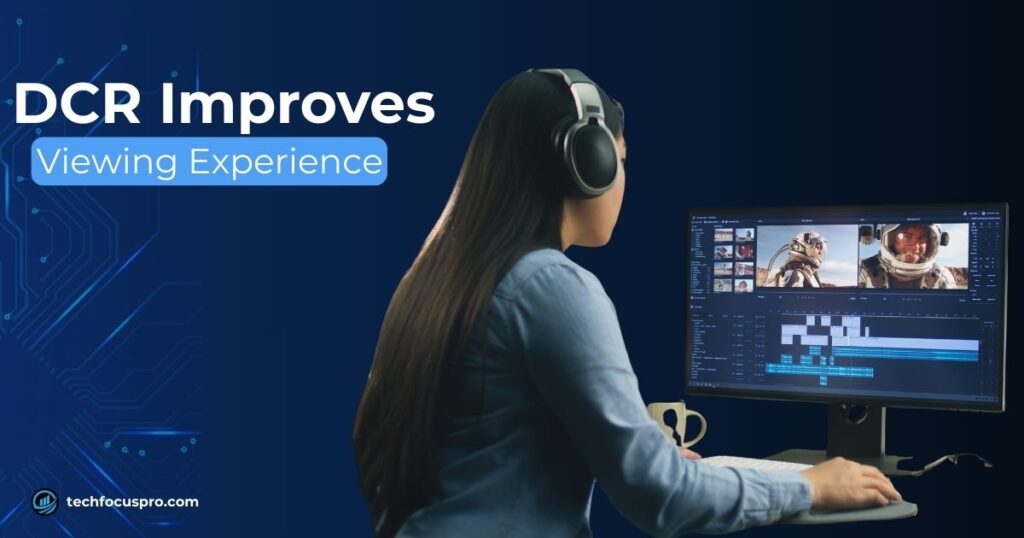
Dynamic Contrast Ratio can make everyday screen use feel more comfortable and visually pleasing. The monitor adjusts brightness based on what appears on the screen.
This helps improve contrast and makes images look more natural.
Movies and Streaming
When watching movies or shows there are often many dark scenes. DCR lowers the brightness in these scenes so black areas look deeper. This creates a more cinematic look and helps small details in shadows become easier to see.
Gaming
In games the screen changes quickly between dark and bright moments. DCR increases brightness during bright scenes like explosions or sunlight. This makes highlights look stronger and the overall image more vivid.
Everyday Computer Use
During normal computer use the brightness on the screen keeps changing. DCR adjusts it automatically based on the content you are viewing. This reduces the need to change brightness settings yourself and can make long screen sessions more comfortable.
Pros, Cons and Use Cases of DCR
Dynamic Contrast Ratio can improve how content looks on a monitor. But like many display features it also has some limits. Understanding both sides helps you decide when to use it.
Advantages
- Better visual contrast: DCR increases the difference between bright and dark areas. This helps images look clearer and more detailed.
- Improved movie watching experience: Dark scenes appear deeper and bright scenes look stronger. This can make movies and shows feel more immersive.
- Automatic brightness adjustment: The monitor changes brightness based on what is on the screen. You do not need to adjust the brightness setting again and again.
- Can reduce eye strain in darker rooms: When you watch content in a dim room the monitor lowers brightness in darker scenes. This can feel more comfortable for your eyes.
Disadvantages
- Brightness may fluctuate: Because the monitor keeps adjusting brightness you may notice small changes when the scene shifts from dark to bright.
- Possible input lag in fast gaming: Some monitors may respond a little slower when DCR is active. This can affect competitive gaming.
- Color accuracy may decrease: Since brightness keeps changing the colors may not stay fully accurate. This is not ideal for photo editing or design work.
- Sometimes used mainly as a marketing feature: Manufacturers often promote very high dynamic contrast numbers. These numbers do not always reflect real display quality.
Should You Turn DCR On or Off
Many people ask should I enable DCR gaming or keep it off. The answer depends on how you use your monitor. DCR can improve the look of videos and games. But it may not be ideal for tasks that need stable brightness and accurate colors.
Turn DCR On For
- Movies and streaming: DCR can make dark scenes deeper and bright scenes clearer. This improves the overall viewing experience.
- Casual gaming: If you play games for fun DCR can make colors look more vivid and scenes more immersive.
- Multimedia viewing: When watching videos or browsing visual content the automatic brightness can help images look better.
- Low light environments: In darker rooms DCR can lower brightness during dark scenes. This may feel more comfortable for your eyes.
Turn DCR Off For
- Competitive gaming: Fast paced games need quick response and stable brightness. Turning DCR off can help avoid possible input lag.
- Photo editing: Editing photos requires accurate colors. Changing brightness can affect how colors appear.
- Graphic design: Design work needs consistent display settings. DCR may cause small brightness shifts.
- Color accurate work: If you work with images or videos where color matters it is better to keep brightness stable by turning DCR off.
DCR vs HDR: What’s the Difference
Both DCR and HDR aim to improve how images look on a monitor. But they work in different ways and offer different levels of improvement.
| Feature | DCR | HDR |
| Technology | Adjusts monitor backlight based on screen content | Expands brightness and color range for better image detail |
| Content Requirement | Works with almost any content | Needs HDR supported content and display |
| Visual Improvement | Moderate improvement in contrast | Much stronger improvement in brightness and color |
| Best Use | Everyday viewing and casual use | Premium movies games and high quality media |
HDR is considered a more advanced display technology because it improves more than just brightness. It expands the range of colors and brightness levels that a monitor can show. This allows highlights to look brighter while dark areas keep more detail.
DCR mainly adjusts the monitor backlight to create stronger contrast. HDR works deeper in the display system and can produce richer colors and more realistic images. That is why HDR usually delivers a more noticeable visual upgrade when the content supports it.
Is DCR Important When Buying a Monitor
DCR can improve how images look on a screen. But it should not be the main thing you focus on when buying a monitor. Many buyers see very large dynamic contrast numbers in product specs. These numbers often look impressive but they do not always show the real display quality.
Other monitor specifications have a much bigger impact on how the screen performs.
Panel type (IPS, VA, TN)
The panel type affects viewing angles, contrast and color quality. For example VA panels usually offer deeper contrast while IPS panels provide better color and viewing angles.
Resolution
Resolution controls how sharp the image looks. Higher resolutions like 1440p or 4K provide clearer details compared to lower resolutions.
Refresh rate
Refresh rate is important for smooth motion. Higher refresh rates such as 120Hz or 144Hz make games and scrolling feel smoother.
Color accuracy
Good color accuracy is important for content creation design and photo editing. It ensures colors appear natural and consistent.
HDR support
HDR can greatly improve brightness, color range and overall picture quality when watching supported content.
DCR should be seen as a supporting feature. It can enhance contrast for movies and casual viewing. But the overall monitor experience depends much more on the panel quality resolution refresh rate and color performance.
Frequently Asked Questions
What is DCR on a monitor?
DCR stands for Dynamic Contrast Ratio. It is a monitor feature that automatically adjusts screen brightness to improve the difference between bright and dark areas.
Is dynamic contrast ratio good for gaming?
DCR can make games look more vivid because it boosts bright scenes and deepens dark areas. This can improve the visual experience in casual gaming. However some players turn it off in competitive games because changing brightness may cause small delays or distractions.
What is a good contrast ratio for a monitor?
Most monitors have a static contrast ratio between 1000:1 and 3000:1. This range is considered normal and provides good image depth for everyday use.
Should I enable DCR on my monitor?
It depends on how you use your monitor. Turning DCR on can improve movies videos and casual gaming. But for photo editing design work or tasks that need accurate colors it is better to keep it off.
Is DCR better than HDR?
No. HDR is a more advanced display technology. It improves both brightness and color range which creates more realistic images. DCR mainly adjusts the monitor backlight to increase contrast.
Conclusion
DCR helps improve screen contrast by adjusting brightness based on what appears on the display. This can make dark scenes look deeper and bright scenes look clearer.
It works best for movies streaming and casual gaming where visual effects matter more than color accuracy. However it is not the most important factor when judging a monitor.
Static contrast ratio and HDR support play a bigger role in overall display quality and image realism.
In simple terms DCR is a useful extra feature that can improve everyday viewing. But when choosing a monitor you should focus more on panel quality resolution refresh rate and color performance.